cPanel's webmail is a web-based email client that is accessible directly from your cPanel account. By accessing webmail, you can view and manage your emails in a user-friendly interface.
To access Roundcube webmail from cPanel, you can follow these steps:
1. Log into cPanel then click Email Accounts in the Email section.

2. Select Check Mail next to the email you want to log into.

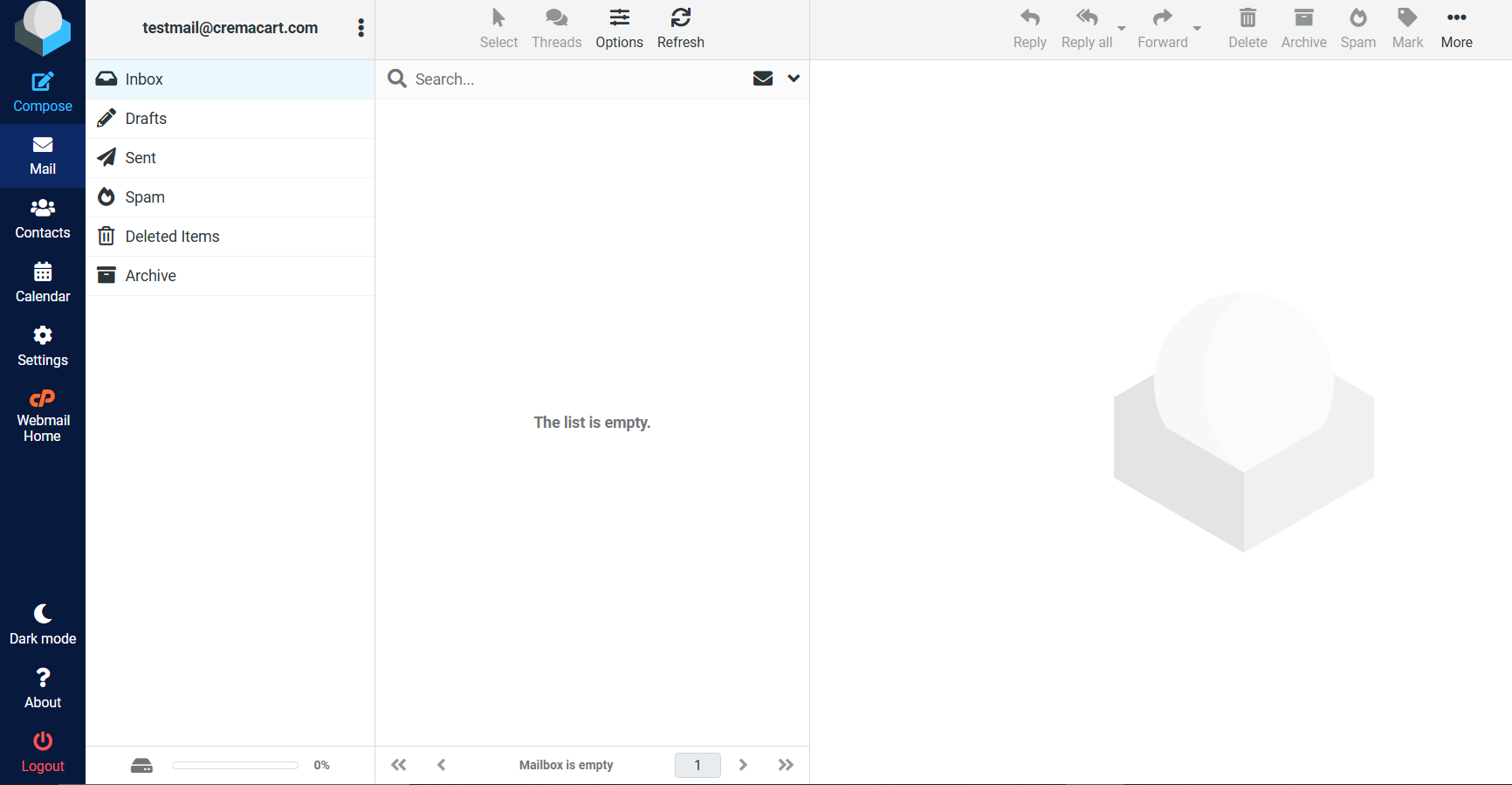
4. Select the Roundcube logo or if Roundcube is already your default then you'll be automatically logged into your inbox. Here you can access your emails, compose new emails, manage your folders, and perform other email-related tasks.
ℹ️ You can access Webmail directly if you go to the Webmail URL for your cPanel account. The URL should be in the following format: http://yourdomain.com/webmail - Enter your email address and password for the email account, and then click the Log in button.
You can now view and manage emails directly within the Webmail interface. Be sure to keep your account credentials safe to protect your data.