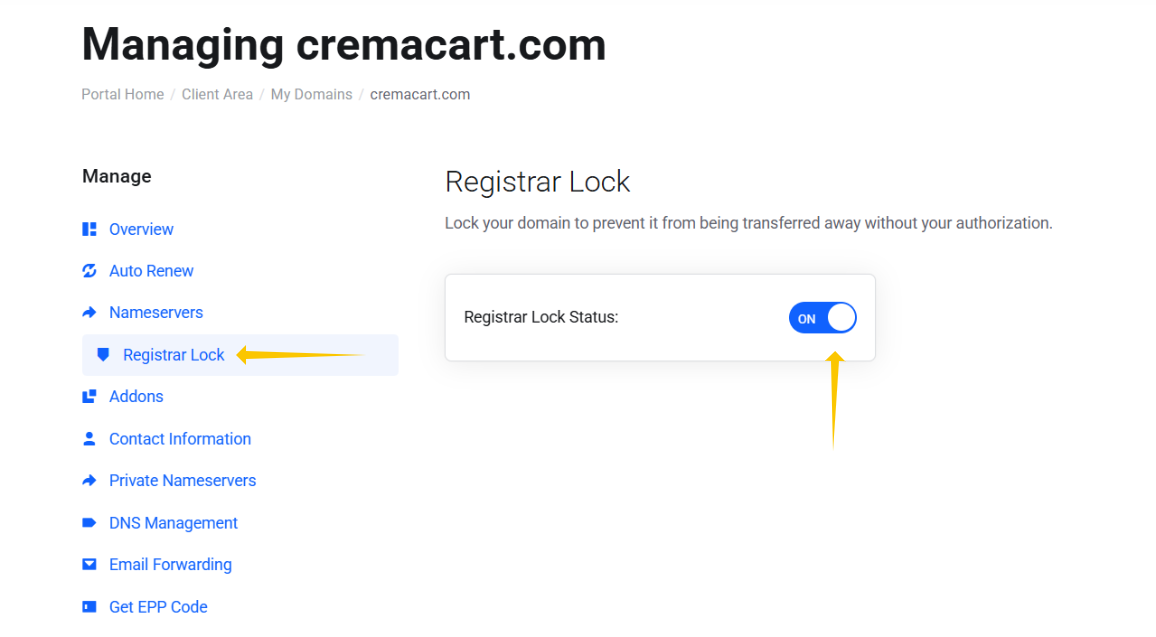
If you have made the decision to transfer your domain name registered with Webfoundr to a different registrar you will need to do two things. Get your EPP code and unlock the domain. This help doc explains how to get your EPP code.
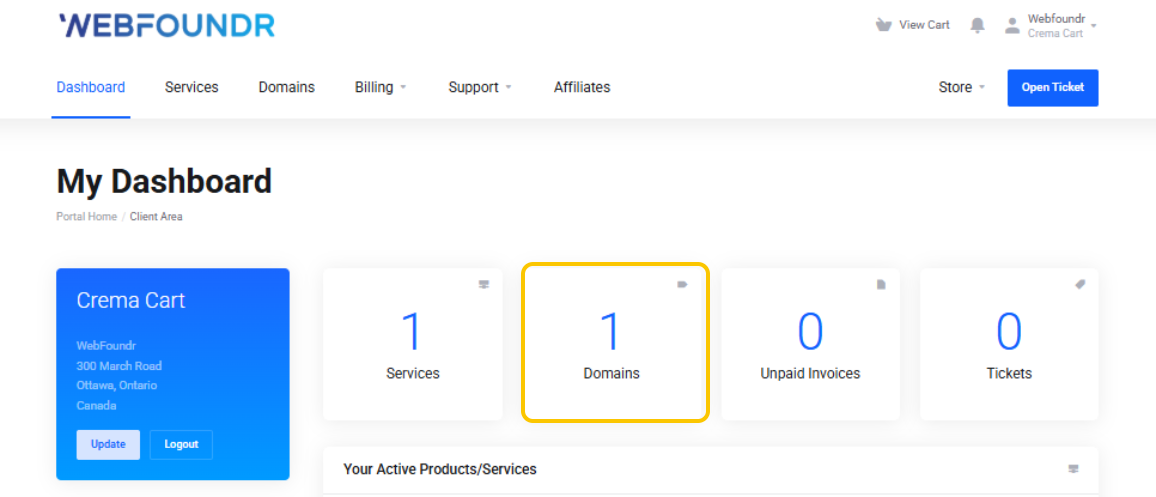
STEP 1: Login to your Webfoundr Dashboard! Click on your domains service.
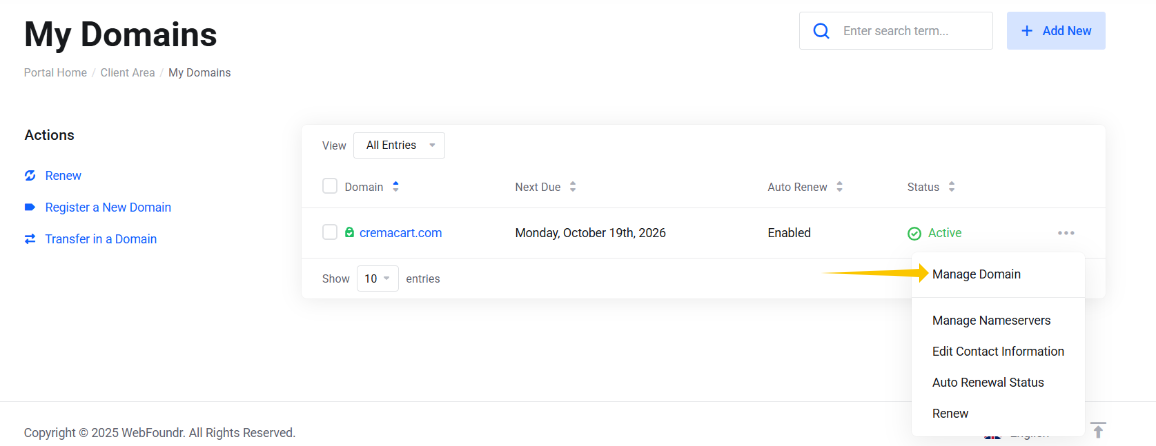
STEP 2: Click on the 3 dot menu to the right of the domain and go to Manage Domain.
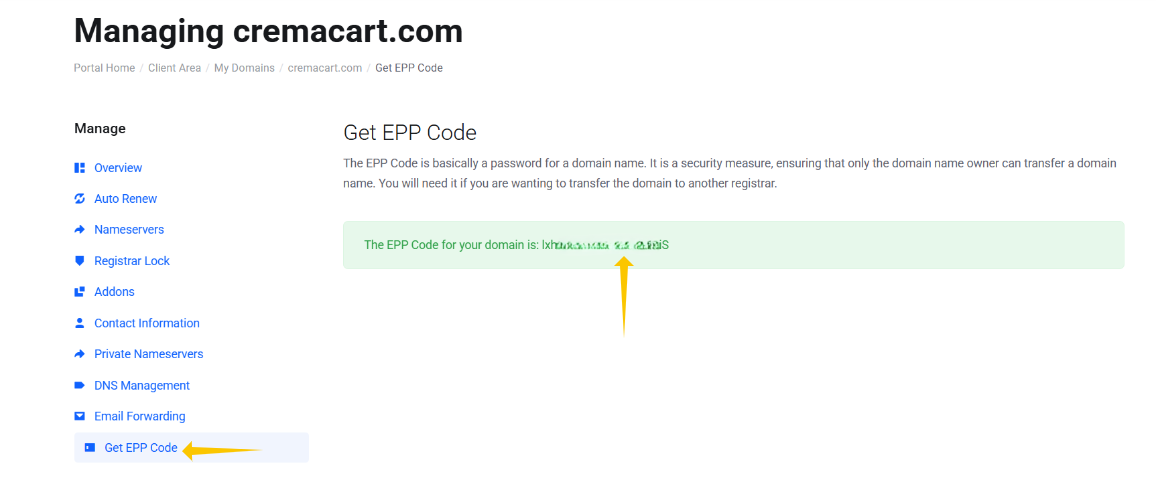
STEP 3: On the left menu, click on Get EPP Code. Your EPP code will be presented. Copy to a safe location. You will need that at the gaining registrar in order to transfer the domain.
If your domain needs to be unlocked, by default domains registered with Webfoundr are locked. On the left menu, click on the Registrar Lock link and toggle the domain so it unlocks the domain! That's it!