One thing we encourage here at Webfoundr.com is that you register multiple TLDs for your brand. This way, you are provided protection and keep possible competitors from creating websites off your name.
For example, say you got example.com. You would then want to register example.net, example.org, example.biz and example.co at the very least! Once registered, you can then redirect your additional TLDs back to example.com.
In this tutorial, we’re going to show you how to forward a domain to another domain.We encourage you to first add the domains to your current cPanel account wither as an alias which points at the /public_html or a separate content domain. You can see how to do that here!
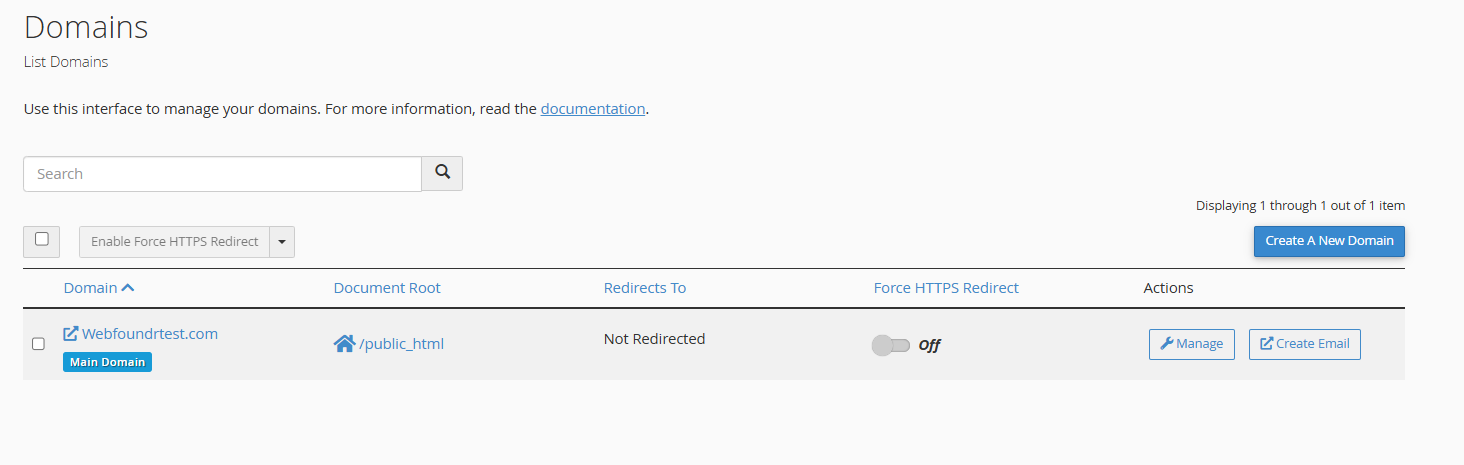
Step 1: Add the domains to your cPanel account via the 'Domains' feature. After you have added the domain(s) in your cpanel.
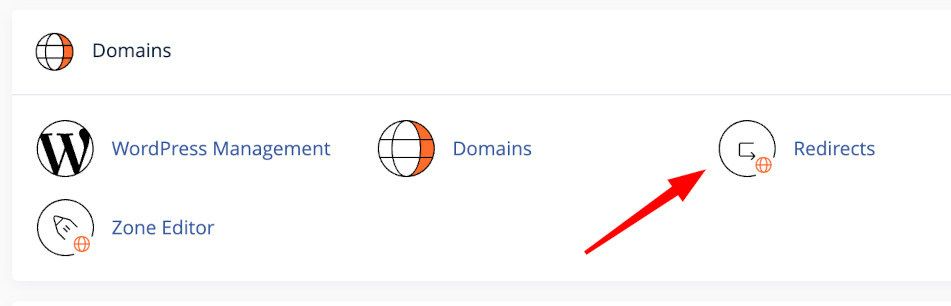
Step 2: In cPanel, find the Redirects icon.
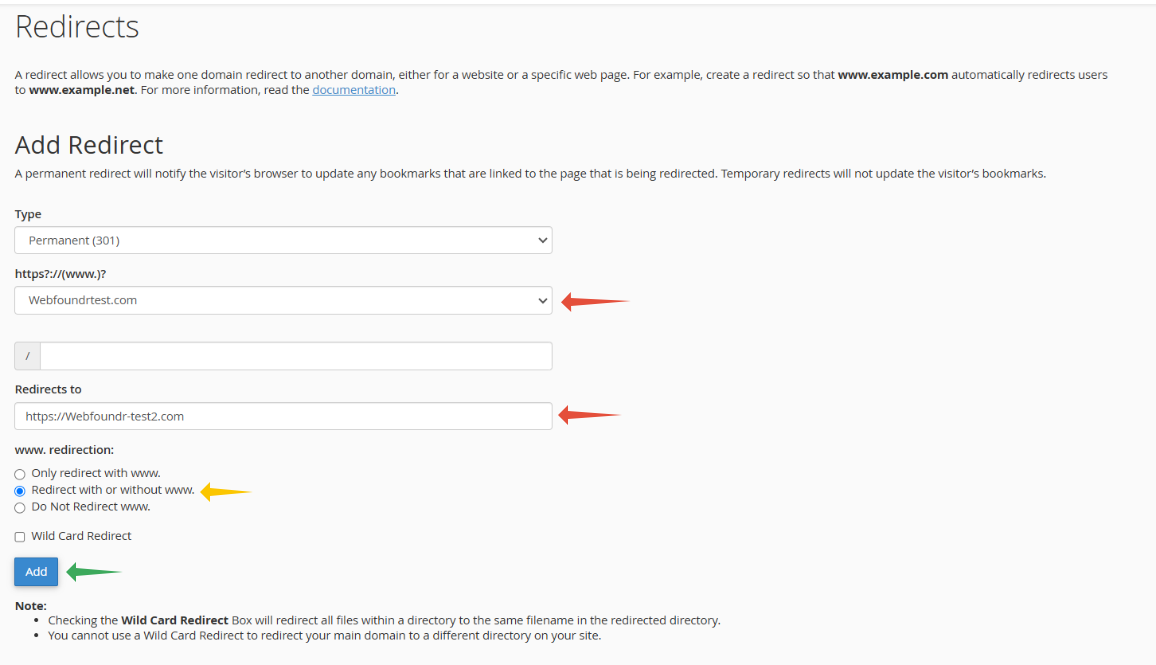
STEP 3: Set 301 for the type. use the drop down to select the domain you wish to redirect. The url you wish to redirect it to and then click Add.