One of the main reasons I love using Wordpress is that I can go on vacation without anyone knowing. Simply type a series of posts and schedule them to be published automatically. I've even filled my team in on this little secret that allows them to come in to work when they want to and some get all their content queued up for the week in a matter of hours!
To Schedule A Post In Wordpress:
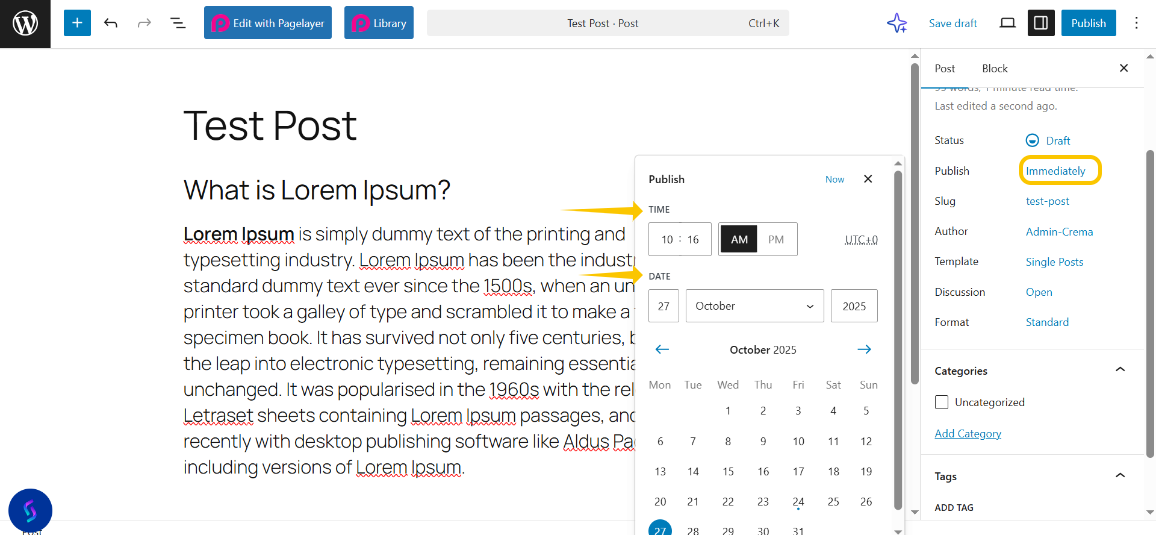
Step 1: Create your post as you would normally. Except, this time, instead of clicking the publish button, click on immediately!
Step 2: Set the date and time you wish it to be published.
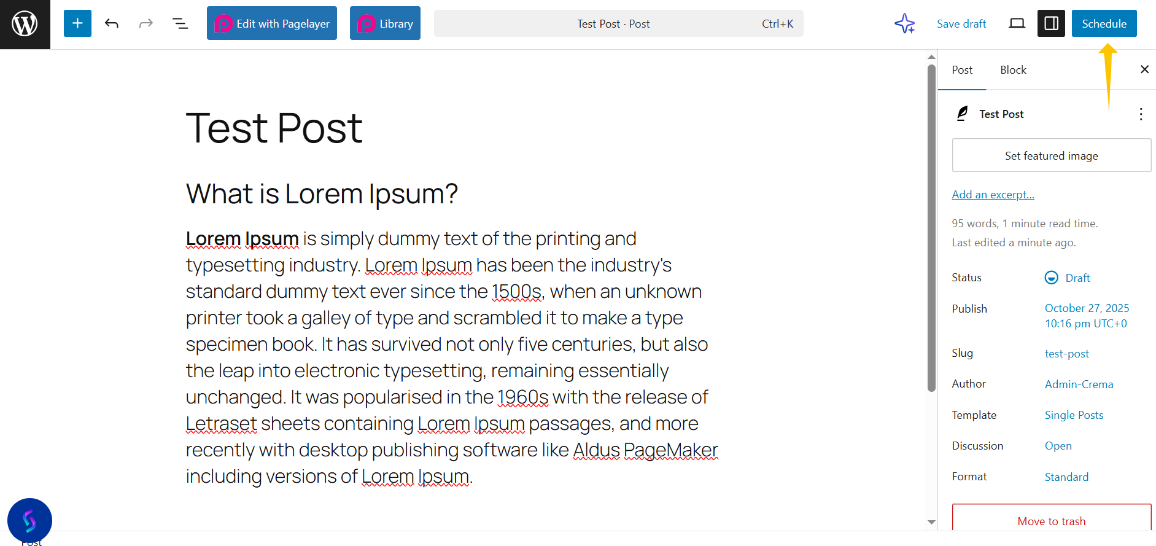
Step 3: Now that you have it scheduled, go ahead and click on the Schedule button!
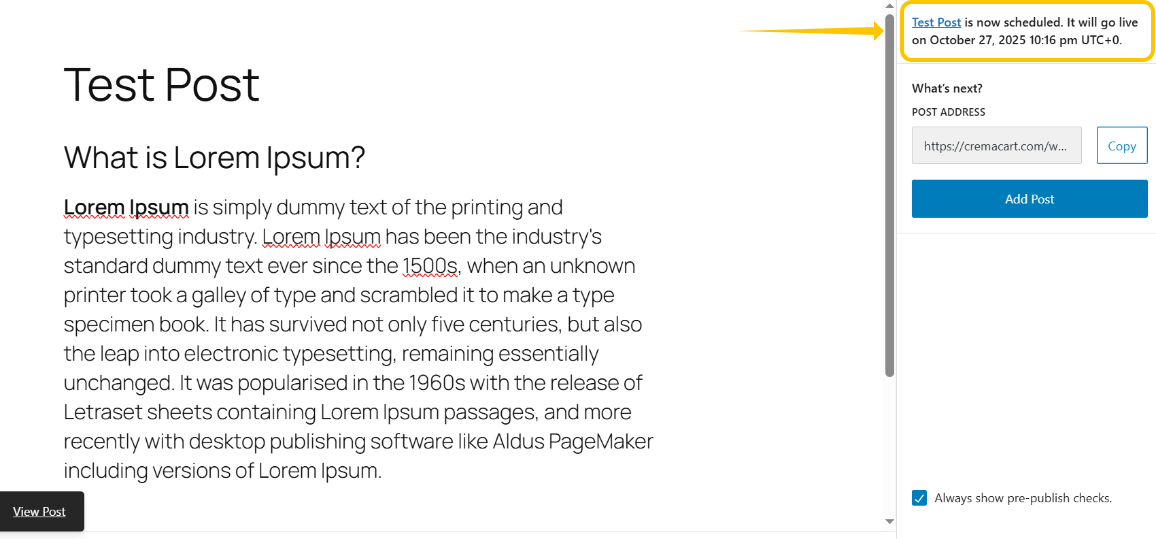
Step 4: Now you'll see a message at the top letting you know when your post is scheduled!